Custom Ads
If you are not yet familiar with the concept of traffic sources, we suggest reading that documentation before going any further.
This traffic source lets you declare your campaigns and your ad spend from the Webmarketer interface and from the API.
Granularity and tracking
This traffic source supports a single node level, so you can create campaigns but no ad groups, ad sets, or any other sub-level.
Each campaign is identified by a campaign ID of your choosing.
For an interaction to be linked to a campaign, Webmarketer looks in the URL parameters for:
- A
wmktidparameter, which must hold the ID generated by Webmarketer for the traffic source - A
cidparameter, which must hold the campaign ID
The campaign ID (cid) can be alphanumeric, but we recommend using a simple identifier,
without spaces or special characters.
Creating a Custom Ads source
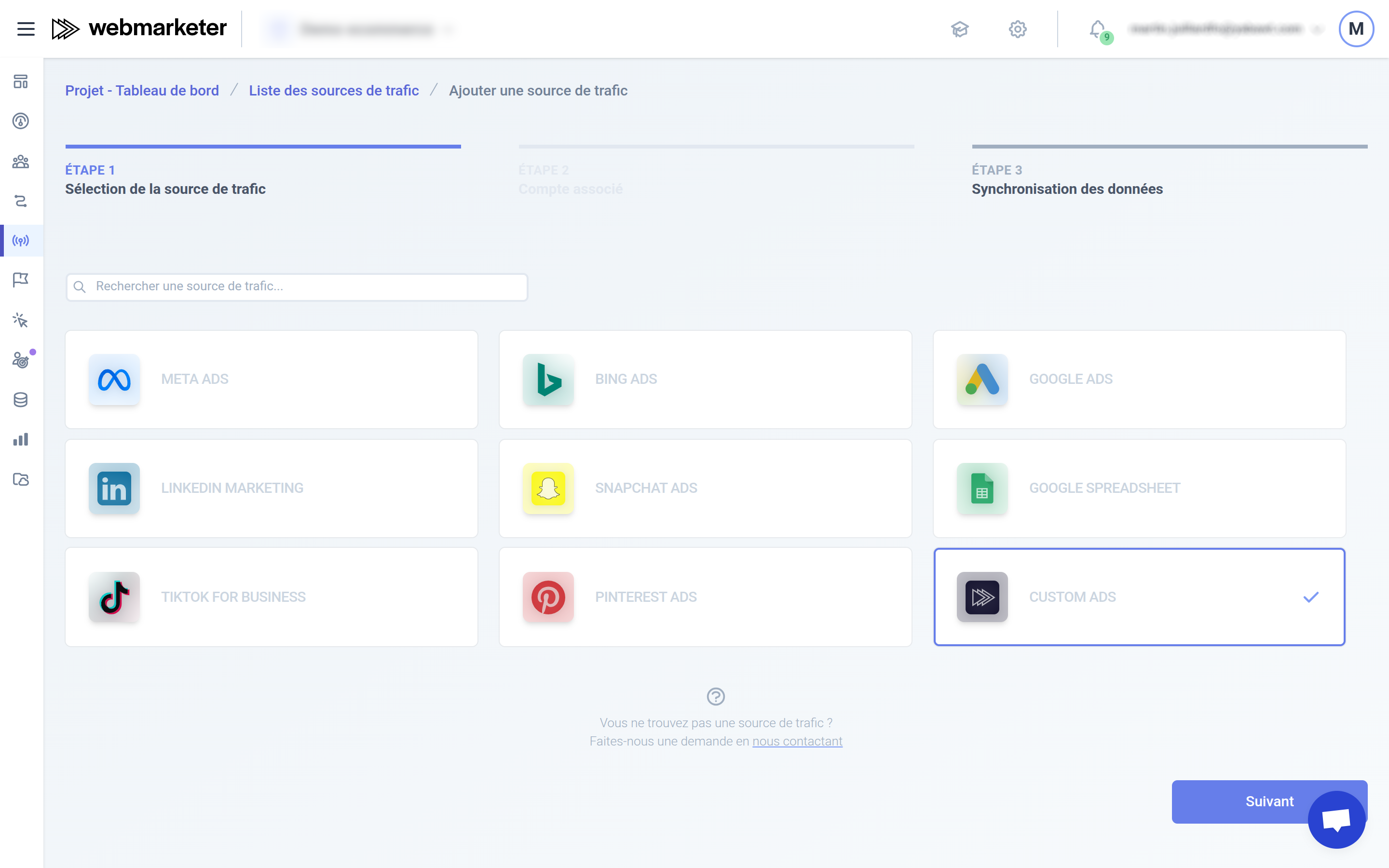
To begin with, select the "Custom Ads" source type.
After clicking "Next", you can configure the traffic source options.
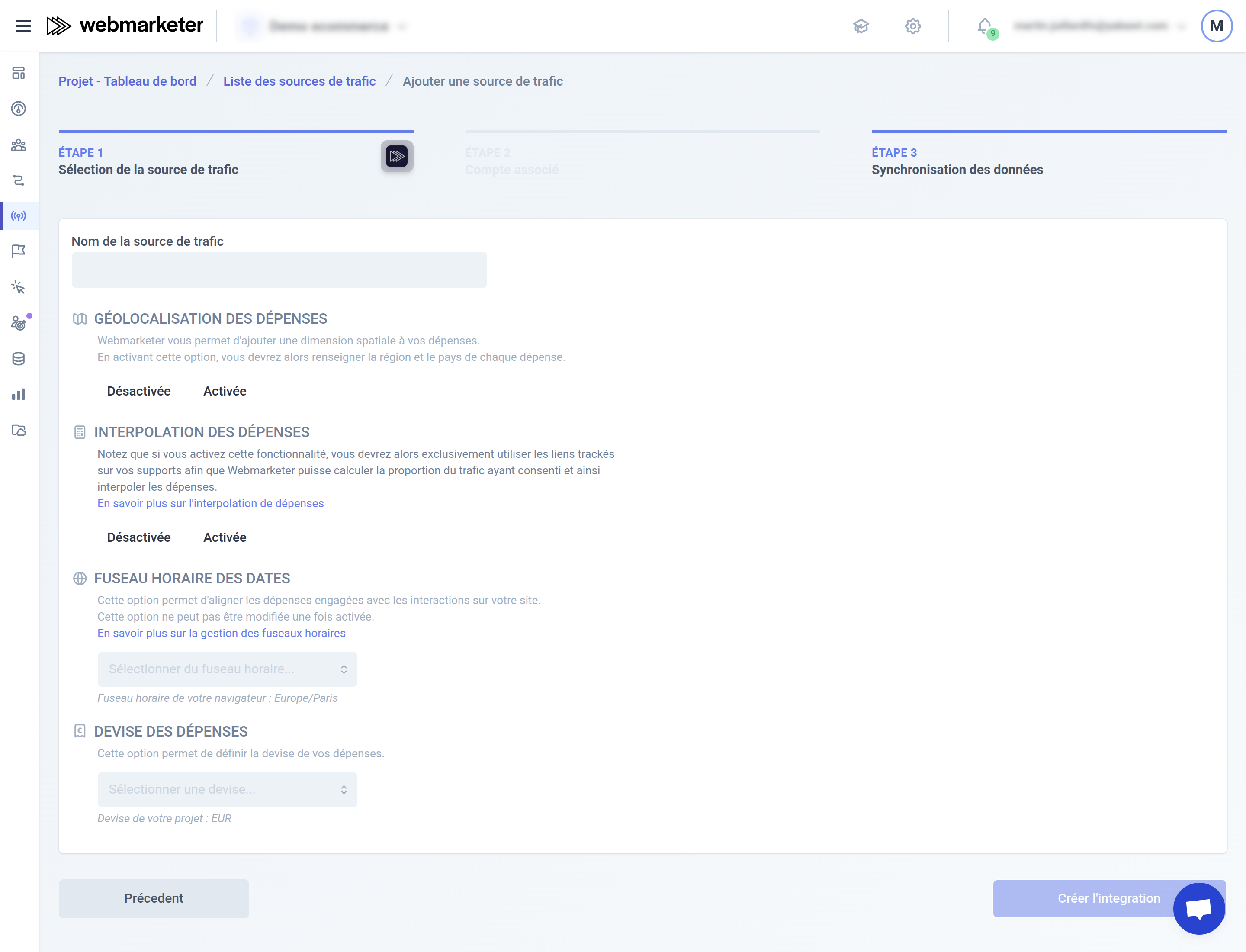
Available options:
- Ad spend geolocation:
When this option is enabled, Webmarketer uses the
countryandregiondata of theoutlaysto geolocate the ad spend. - Ad spend interpolation: When this option is enabled, Webmarketer prorates the ad spend based on the number of observed clicks versus the number of measured interactions. This requires using the proxy URLs offered to you when enabling the option. To learn more, see the ad spend interpolation concept.
- Timezone:
The timezone used to interpret the dates of the
outlays. - Currency:
The currency used to interpret the amounts of the
outlays.
Data model
The Custom Ads traffic source uses a simple data model made of campaigns and ad spend entries (outlays).
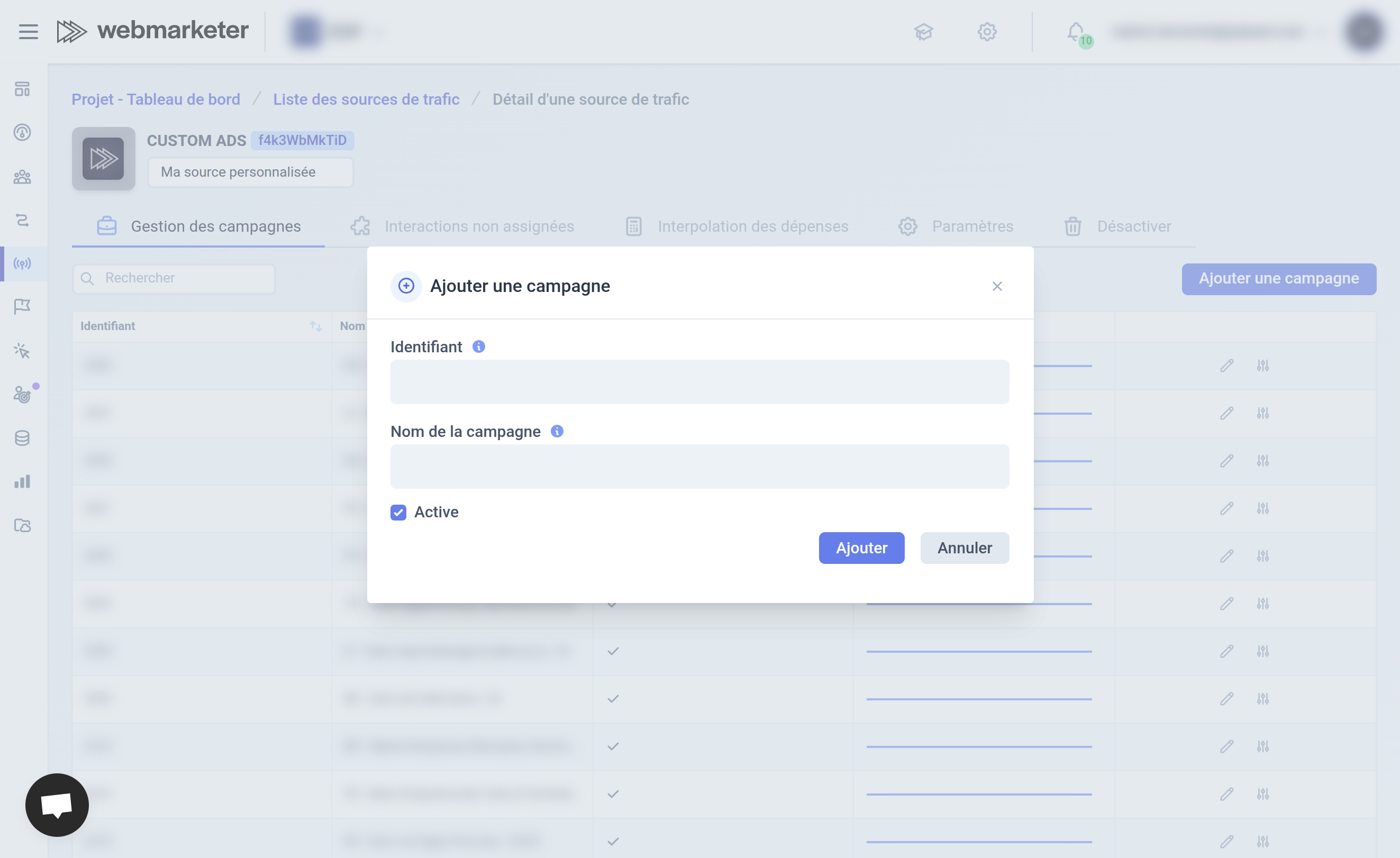
Campaigns
Identifier: the campaign ID (used in URLs and to link ad spend entries)Name: the campaign name (displayed in the interface)Active: whether the campaign is active (displayed in the interface)
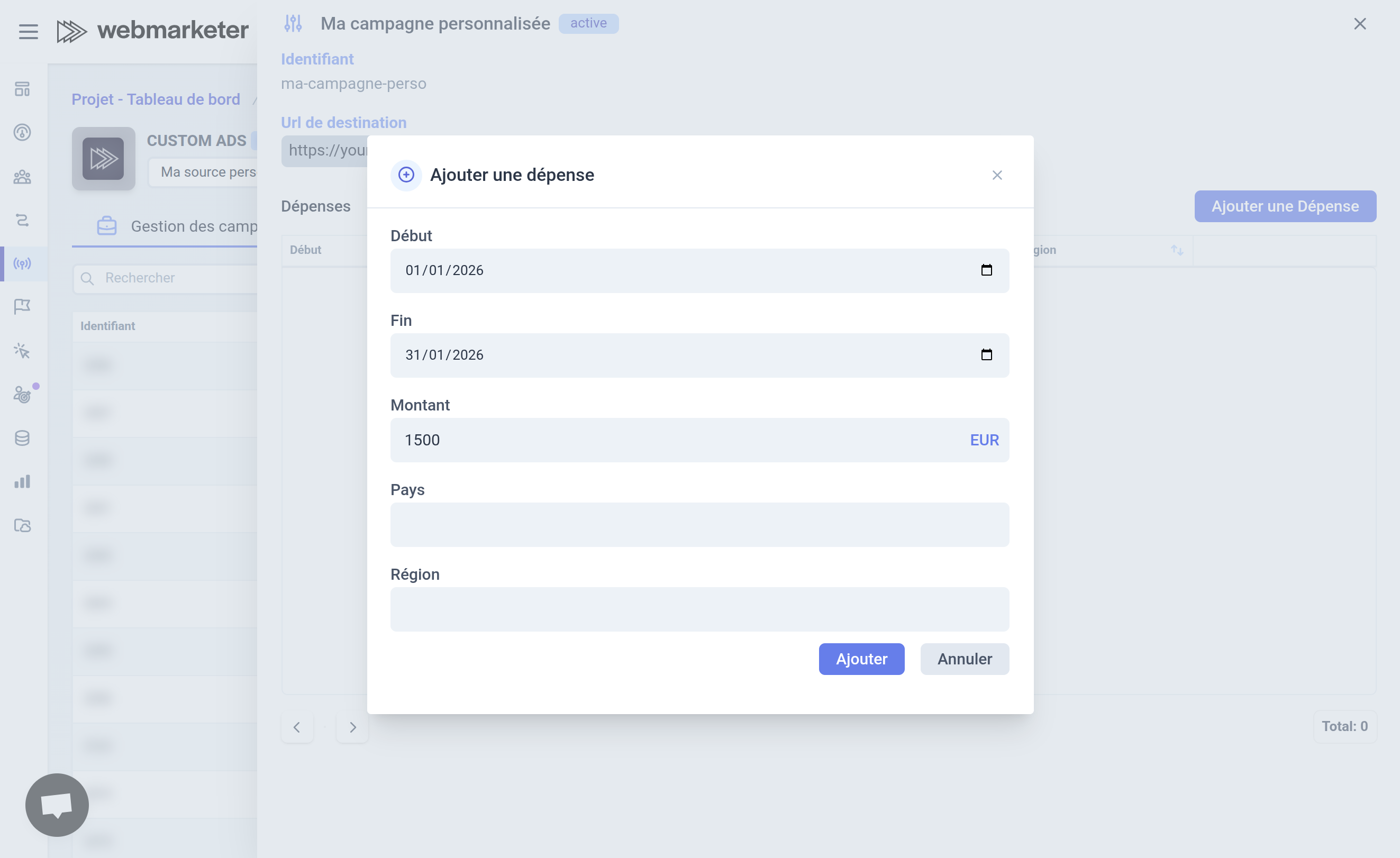
Ad spend
Start: the start date of the ad spendEnd: the end date of the ad spendAmount: the amount spentCountry: the country of the spend (optional)Region: the region of the spend (optional)