Configuring Snapchat URL parameters
On Snapchat, the URLs redirecting to your website are configured at the creative level. You will find every creative attached to your ads directly in the Creative Library menu.
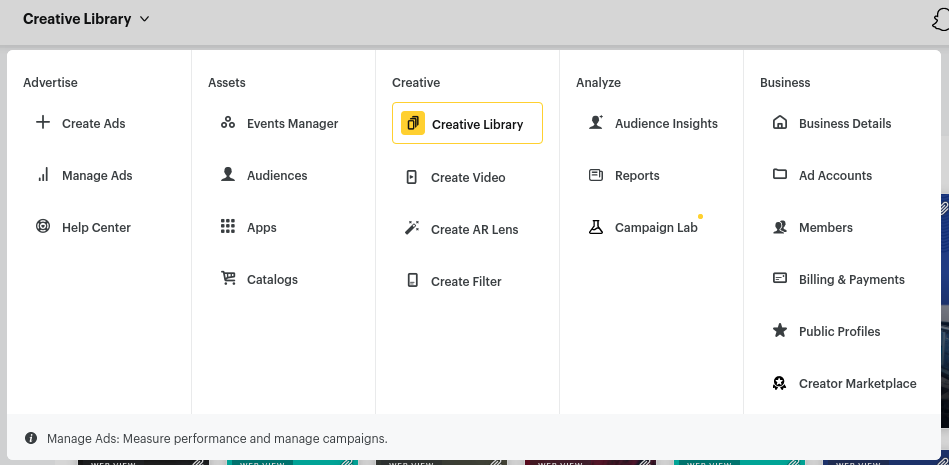
Editing the creative
Select the creative you want to update and choose Edit to reach its settings.
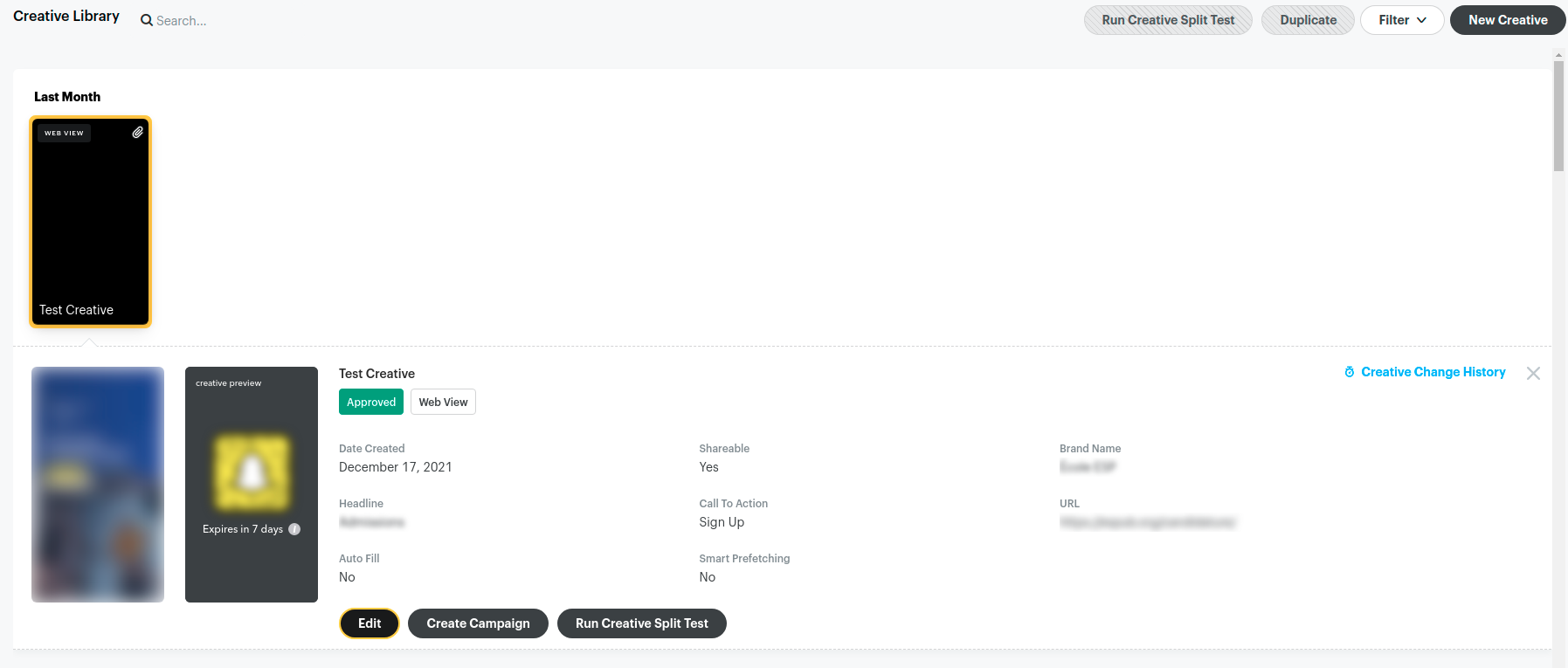
Changing the URL parameters
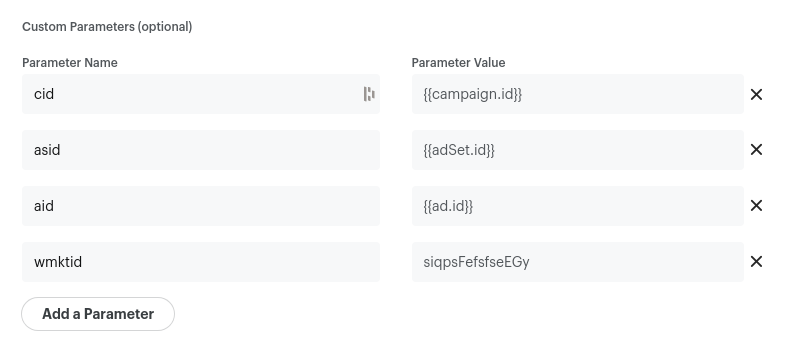
Open the creative's URL parameters by clicking Build a URL Parameter.

The Custom Parameters section lets you configure custom URL parameters that will be appended to the final URL.
Caution
Updating a creative's URL parameters triggers a review, which makes the ad unavailable while it is being moderated.