Traffic filtering
Some interactions coming from your website are of no use for analysis, or skew Webmarketer data, so you can create filtering rules to ignore them.
The problem
Some interactions captured by Webmarketer are generated by ad platforms to test or validate their campaigns.
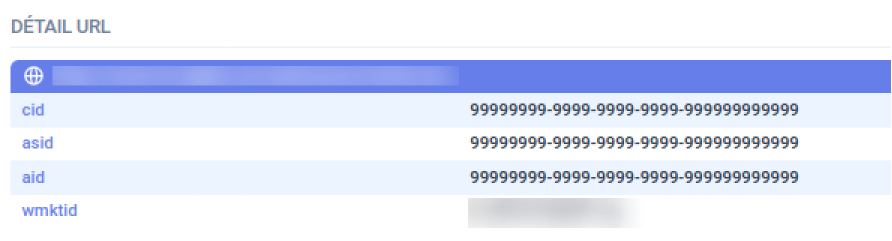
Those interactions can skew attribution calculations in Webmarketer, which is why we offer traffic filtering.
The solution
In your project settings, under user tracking, the traffic filtering tab lets you create rules based on interaction data to exclude those interactions from Webmarketer.
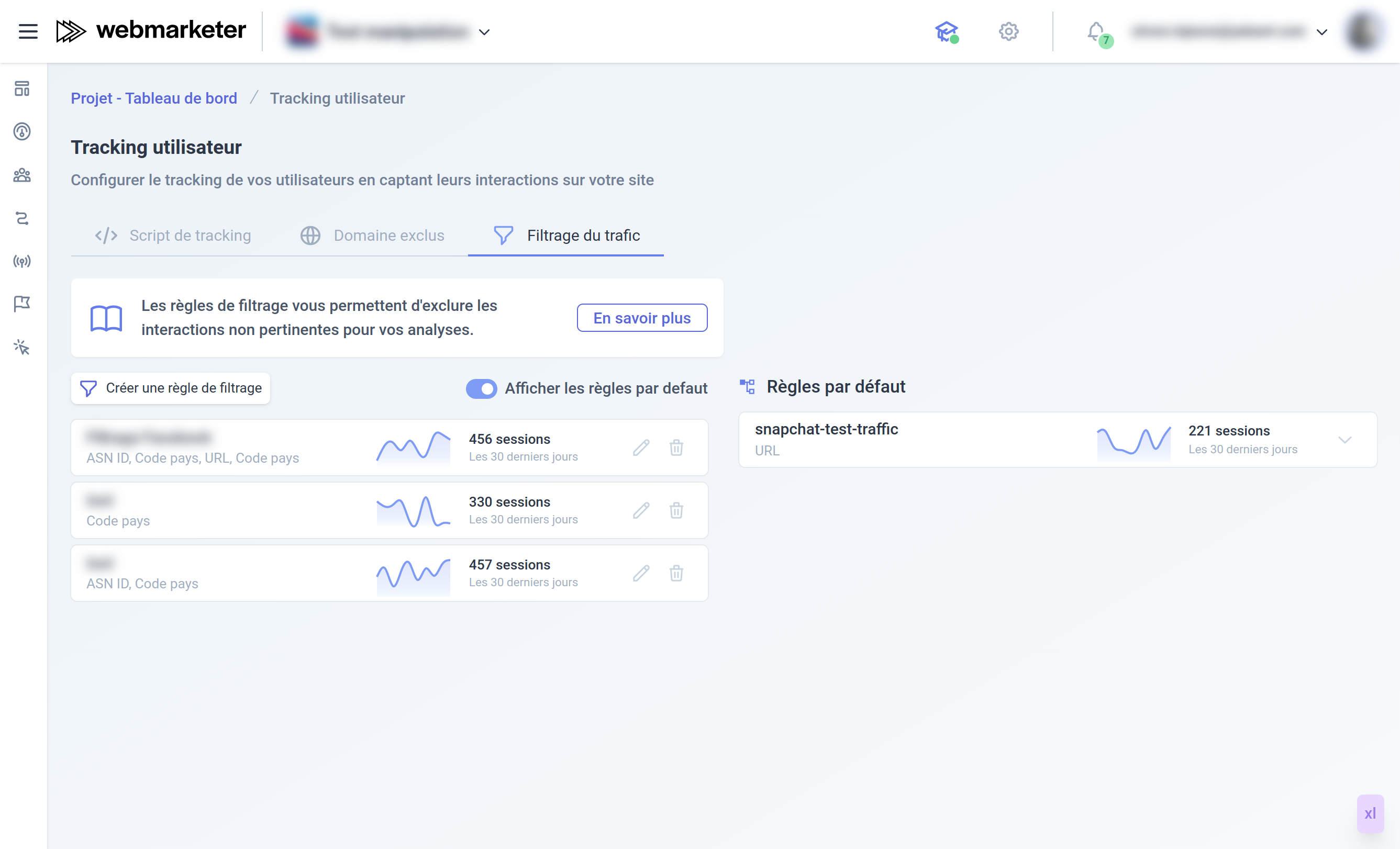
Filtering can be applied to the following fields:
show more
An ASN (Autonomous System Number) is a unique number assigned to local networks by the American Registry for Internet Numbers. That number identifies the owner's network, and no ASN is ever duplicated or reused anywhere in the world. It therefore makes it possible to spot the ad platform bots that generate test interactions.
show more
Some ad platforms replace the value of the URL parameters requested by Webmarketer with a specific value (e.g. 99999999-9999-9999-9999-9999999999999).
show more
You can choose to only take into account the interactions coming from one particular website.
show more
You can filter the interactions coming from one or several specific countries.
Interaction geolocation is based on the visitor's anonymized IP address. The accuracy of that geolocation is approximate and subject to the vagaries of proxies and VPNs. We recommend using this kind of filtering only when spam has been positively identified.
Default rules
Webmarketer ships with a set of rules that exclude test traffic from the various ad platforms. You can review those rules from the traffic filtering page in the application.